How Google Crawling Works: A Complete Guide to Understanding Search Engine Discovery
If you want your pages to show up on Google, you need to understand how Google crawling works. Google scans billions of pages every day, hunting for new URLs and checking existing ones for updates. Crawling is the first gate. If Google can’t reliably crawl your site, rankings don’t even get a chance.
This matters whether you’re running a business website, doing marketing, or handling SEO. When you understand what Googlebot is doing behind the scenes, you stop guessing and start fixing the right things to improve visibility.
What is Web Crawling?
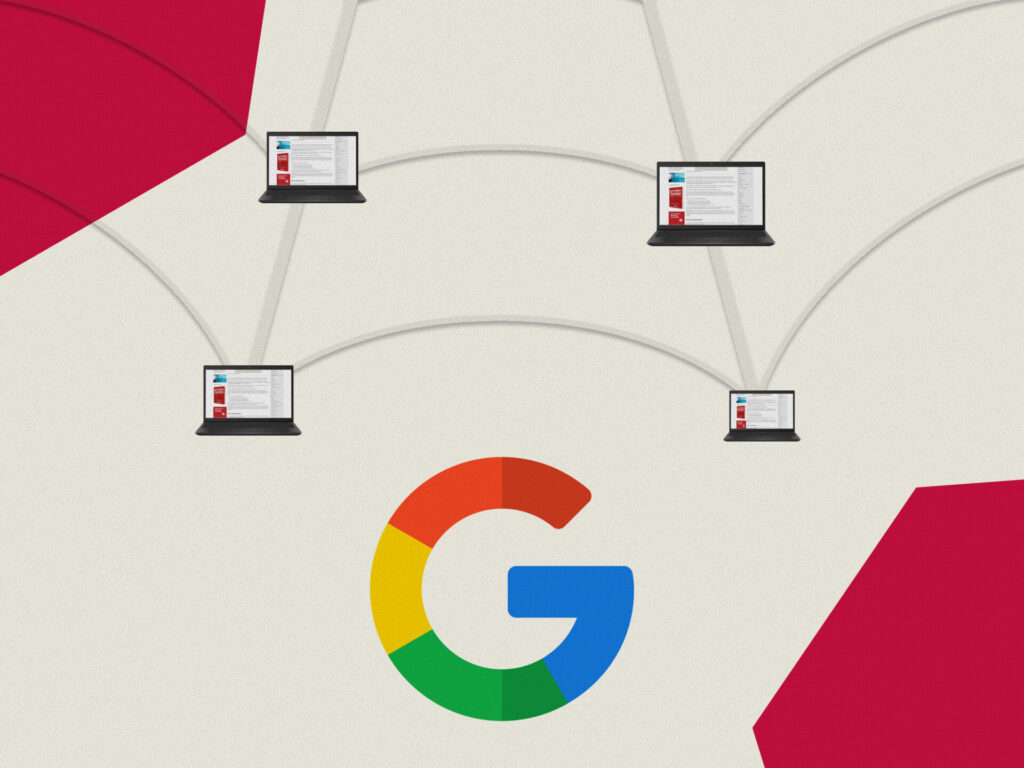
Web crawling is the automated process by which search engines discover and scan web pages across the internet. Think of it as a digital spider methodically moving through an enormous web of interconnected pages, following links from one site to another.
Google uses specialized software programs called “crawlers” or “spiders” to perform this task. The most famous of these is Googlebot, which continuously traverses the web, reading page content, following hyperlinks, and sending information back to Google’s servers for processing and indexing.
According to Google’s official documentation on crawling, this process is fundamental to how their search engine discovers and understands web content.
The Step-by-Step Process of Google Crawling
Before we go into the steps, here’s the mindset I want you to have. Crawling is not random. Google follows a process, and that process leaves clues you can monitor and influence.
If you want to get more intentional with this, your best “control panel” is Search Console and your best foundation is understanding how indexing works (because crawled does not always mean indexed).
Start with our Google Search Console guide and our complete guide to Google indexing so you understand how to read the signals and act on them.
Also, make sure you’re not blocking the wrong things by accident. Our guide on robots.txt and noindex meta tag best practices will save you from a lot of crawling headaches.
Discovery Through URLs
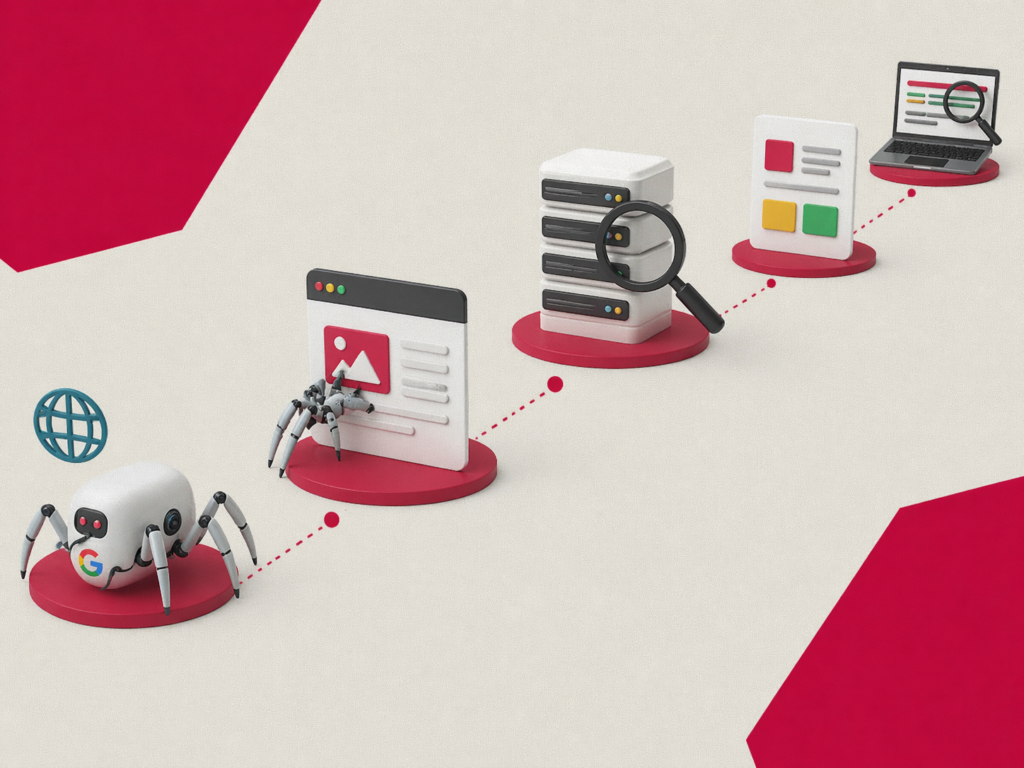
The crawling process begins with a massive list of web addresses called the URL queue. Google compiles this list from various sources, including:
- Previously crawled pages
- Sitemap submissions from website owners
- Links discovered on other websites
- Manual URL submissions through Google Search Console
When Googlebot encounters a new link on any page it visits, that URL gets added to the queue for future crawling.
Fetching Page Content
Once a URL is selected from the queue, Googlebot sends a request to the web server hosting that page. The server responds by sending back the HTML code and associated resources. This interaction happens millions of times every second across the entire internet.
The crawler then reads through the HTML content, parsing text, images, videos, and other elements on the page. It also identifies all the hyperlinks present, adding new URLs to the discovery queue.
Rendering and Processing
Modern websites often rely heavily on JavaScript to display content. Google’s crawling system includes a rendering service that executes JavaScript code to see the page as users would see it. This ensures that dynamically generated content is properly discovered and understood.
The rendering process requires significant computational resources, which is why Google prioritizes which pages to render based on various factors including page importance and freshness requirements.
Storing Information for Indexing
After fetching and rendering, the collected information moves to the indexing phase. While crawling and indexing are separate processes, they work together seamlessly. The data gathered during crawling becomes the raw material that Google’s indexing systems organize and store in their massive databases.
Factors That Influence Crawl Frequency
Not all websites receive the same amount of attention from Google’s crawlers. Several factors determine how often Googlebot visits your site:
Website Authority and Popularity
Websites with strong reputations and high traffic typically get crawled more frequently. News sites, for example, may see Googlebot visiting multiple times per hour to catch breaking stories.
Content Freshness
Sites that update content regularly signal to Google that frequent crawling is worthwhile. A blog publishing daily posts will likely see more crawler visits than a static brochure website.
Server Performance
If your server responds slowly or experiences frequent downtime, Google may reduce crawling frequency to avoid overwhelming your resources. Fast, reliable hosting encourages more frequent visits.
Internal Linking Structure
Well-organized websites with clear navigation help crawlers discover all pages efficiently. Orphan pages with no internal links may be crawled less frequently or missed entirely. As noted by Search Engine Roundtable, internal linking plays a far greater role in crawl efficiency than many website owners realize.
Common Crawling Issues and Solutions
Crawling issues are sneaky because they usually look “small” at first. A blocked folder here, a duplicate URL pattern there, a slow site that nobody bothered to fix. But these add up fast, and when they do, Googlebot starts wasting time on the wrong things or avoiding parts of your site altogether.
Below are the most common crawl problems we see, plus what you can do to fix them.
Blocked Resources
Sometimes websites accidentally block important resources through robots.txt files or meta tags. Regularly audit your site to ensure critical content remains accessible to crawlers.
If you want a deeper reference here, our guide to robots.txt rules and the noindex meta tag helps you avoid accidental blocks that kill crawlability.
Duplicate Content
When multiple URLs display identical content, crawlers waste resources scanning the same material repeatedly. Implement canonical tags to indicate preferred versions of pages.
Crawl Budget Limitations
Large websites with thousands of pages must be mindful of crawl budget, which is the number of pages Google will scan within a given timeframe. Prioritize important pages by maintaining clean site architecture and eliminating low-value URLs.
Slow Page Speed
Pages that load slowly consume more of Googlebot’s resources. Optimizing page speed improves both user experience and crawling efficiency.
Crawled – Currently Not Indexed
This is one of the most misunderstood (and most common) scenarios in Search Console. Googlebot crawls the page, but the page still doesn’t make it into the index. That usually means Google did not find it valuable enough to store, or it found signals that suggest the page is redundant, thin, or not the best version to show.
For the detailed diagnosis and fixes, read our guide on how to fix “Crawled – currently not indexed”. It walks through the real causes and what to prioritize instead of guessing.
Index Coverage Errors in Google Search Console
Sometimes the issue is not just crawling. It’s the way Google reports indexing and crawl-related statuses inside Search Console. Index Coverage errors can point to technical blockers, duplication problems, canonical confusion, or pages that Google decided to exclude.
If you’re seeing exclusions or errors and you want a systematic fix, use our guide on fixing index coverage errors in Google Search Console. It’s the fastest way to interpret what Google is telling you and what to do next.
Best Practices for Optimizing Crawlability
To ensure search engines can effectively discover your content, consider implementing these strategies:
- Submit an XML Sitemap: Provide Google with a roadmap of your important pages through Search Console.
- Create Quality Internal Links: Connect related pages to help crawlers navigate your site comprehensively.
- Fix Broken Links: Regularly identify and repair dead links that waste crawler resources.
- Optimize Robots.txt: Configure this file carefully to guide crawlers while avoiding accidental blocks.
- Improve Server Response Time: Invest in quality hosting to handle crawler requests efficiently.
- Use Structured Data: Help search engines understand your content context through schema markup.
Key Takeaways
Understanding how Google crawling works is the foundation of any successful SEO strategy. To summarize:
- Googlebot discovers pages through links, sitemaps, and URL submissions
- Crawl frequency depends on site authority, content freshness, and server performance
- Technical issues like slow load speeds and blocked resources can hinder discovery
- A well-structured site with clean internal linking encourages more efficient crawling
By keeping these principles in mind and regularly auditing your site’s technical health, you’ll be better positioned to ensure Google can consistently find and index your most important content.
